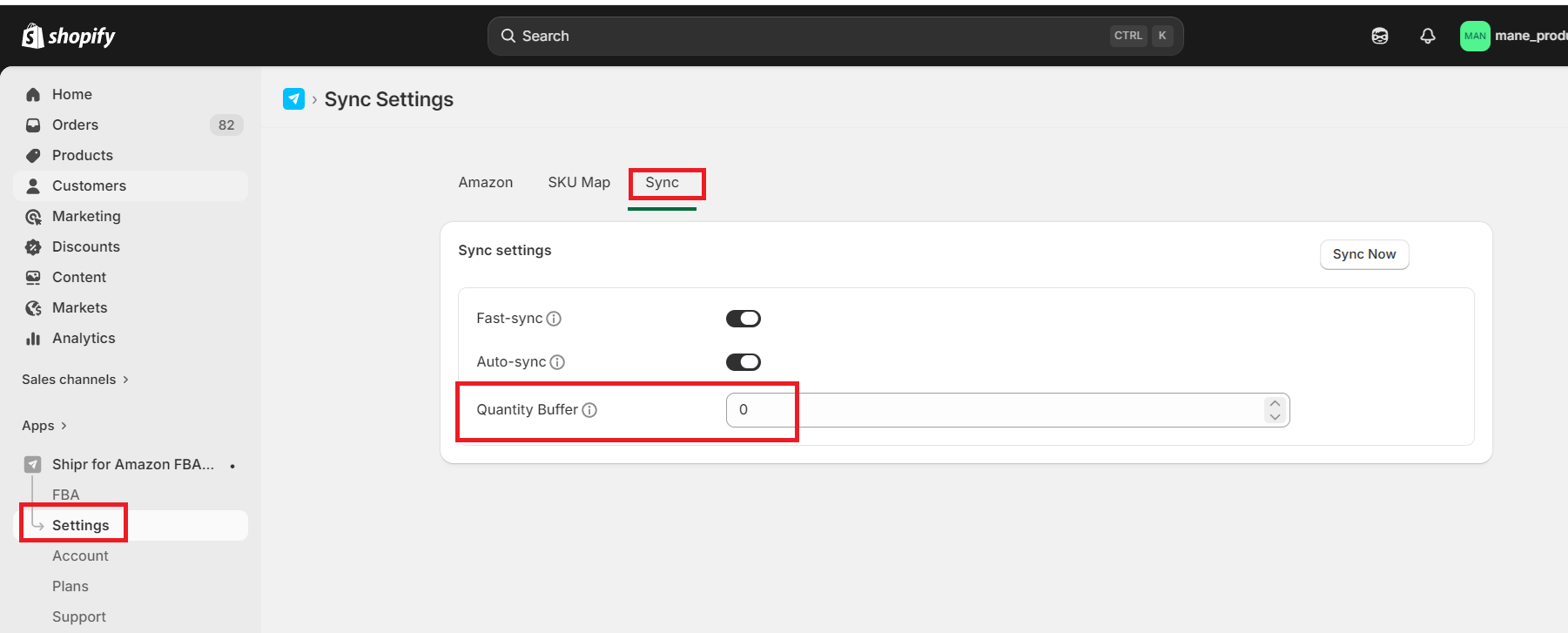
Sync Quantity Buffer

Rupali
Last Update há 25 dias
Sync quantity buffer is the value that the app will subtract from the Amazon inventory before updating Shopify.
While syncing stock levels, the app will use the following formula:
Shopify Inventory = Amazon Inventory - Sync Quantity Buffer
The default Sync Quantity Buffer value is 0. It means, the app will sync exact same inventory levels from Amazon to Shopify.
When an order is shipped, Amazon does not deduct the FBA inventory immediately. The order status is 'Pending'. Only when the status changes to 'Unshipped', 'Partially Shipped', or 'Shipped', the inventory gets updated. This can take from a few minutes to a few hours. Hence, while syncing the inventory from Amazon to Shopify, there can sometimes be a mismatch. And there is a chance of overselling.
To avoid overselling you can set up a sync quantity buffer. This will ensure that the app always syncs Shopify to an inventory level slightly lower than Amazon.